As an Amazon Associate I earn from qualifying purchases.

I tested the KOOTION 1TB portable SSD on an M4 Mac Mini with a direct USB-C connection and a USB-A connection through a hub. The connection made a substantial difference. Blackmagic Disk Speed Test showed about 1,200 MB/s over USB-C and around 450.8 MB/s over USB-A.
The listing rates the drive for read speeds up to 2,000 MB/s and write speeds up to 1,800 MB/s over USB 3.2 Gen 2×2. My Mac Mini setup did not reach those advertised maximums, but this test does not establish the drive’s limit on every compatible computer.
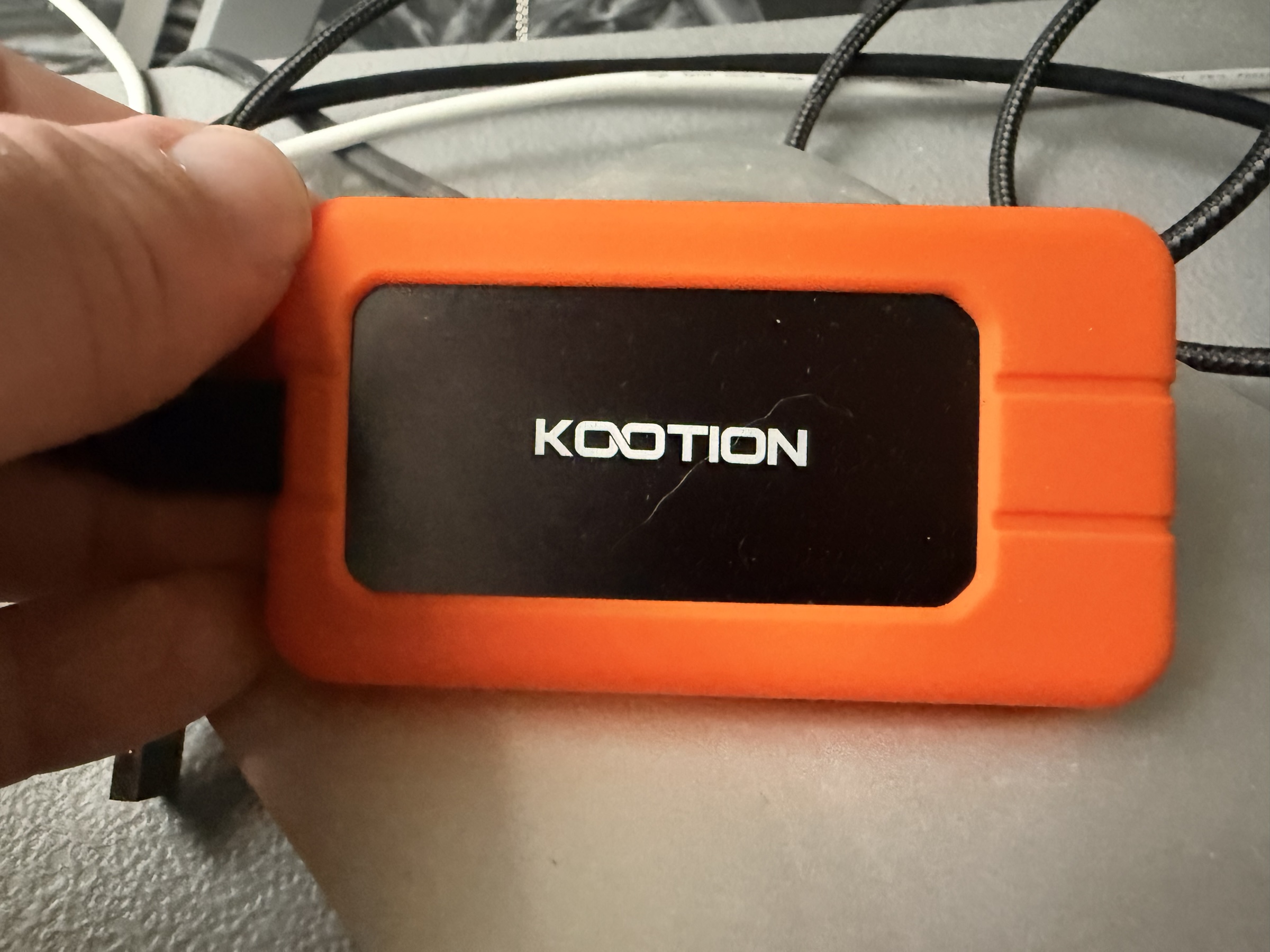
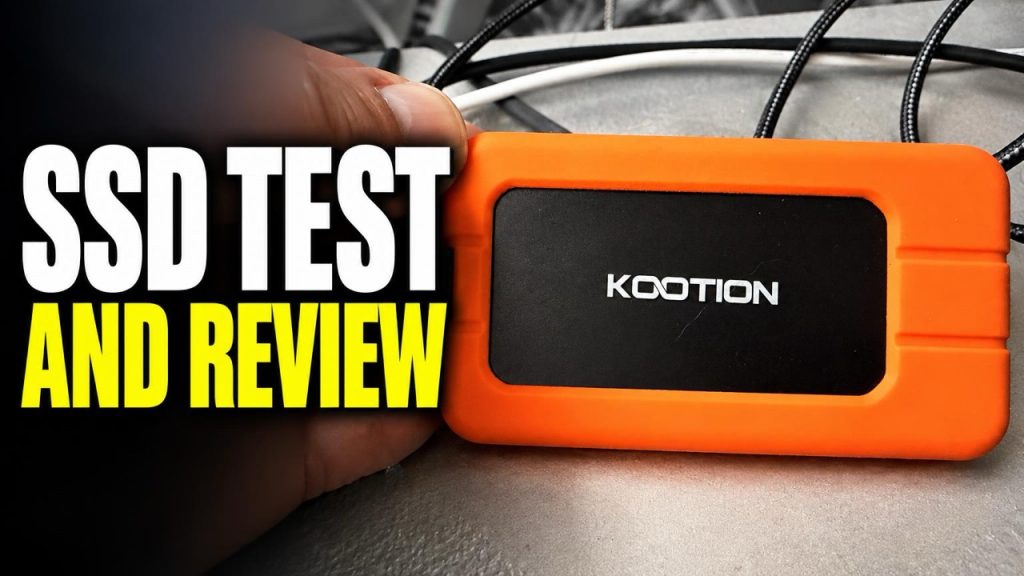
The drive is slightly longer and narrower than a credit card. It feels solid and has a removable rubberized case around its metal body. I found the case easy to remove and reinstall. The listing says the metal body helps dissipate heat, though my temperature observations come from only a short test.
The box included a carrying pouch, user guide, USB-C cable, and USB-A adapter. The included adapter let me compare the two connections without finding another cable.
For the USB-C test, I connected the SSD directly to a USB-C port on the back of my M4 Mac Mini. Blackmagic reported about 1,200 MB/s fairly consistently, with some variation depending on the file type. That is below the listing’s maximum, but it is fast enough for my intended uses: extra file storage, offloading large files, and some video editing.
I also touched the drive periodically during roughly five minutes of testing to check its temperature. It became mildly warm but did not feel hot. I have used similarly sized budget portable drives that heated up much faster, but this was only a brief stress test, not a long-term heat or reliability evaluation.
I then attached the USB-A adapter and connected the drive to a USB-A port on a hub linked to the Mac Mini. Performance dropped to around 450.8 MB/s. Blackmagic’s compatibility indicators suggested that some 8K 60 fps workloads were outside the tested connection’s performance, while 8K 24 fps appeared to be supported. I did not verify those indicators with an actual 8K editing project.
After this initial test, I’m happy with the drive for storage and file transfers. It is compact, includes the connections I need, and became only mildly warm during the benchmark. Because the direct USB-C result was much faster than the USB-A result, I would use USB-C whenever possible.
I have not used the drive long enough to judge its long-term reliability. I plan to use it for video storage, recording, editing, and moving large files. Based on this first test, it looks like a practical budget external SSD for those jobs, provided its real-world speed matches what the computer’s port can support.